> For the complete documentation index, see [llms.txt](https://docs.onchainheroes.xyz/llms.txt). Markdown versions of documentation pages are available by appending `.md` to page URLs; this page is available as [Markdown](https://docs.onchainheroes.xyz/worlds-eve-valors-wake/the-marketplace.md).
# The Marketplace
{% hint style="success" %}
💡 **All players** can now access the Onchain Heroes lobby — no Genesis Hero required!
{% endhint %}
The OCH Marketplace is a dedicated in-game free market where players can buy and sell items with each other. It serves as the central hub for all item trading across the ecosystem.
***
### How it works
The Marketplace runs entirely on VALOR, an in-game currency pegged to USDC that can be swapped in and out at any time. Players can freely list their items for sale and set their own prices in VALOR.
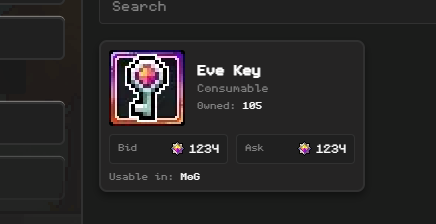
Prices are set by sellers and vary based on supply and demand. Non-soulbound items like Eve Keys, Jackalot Helmets, etc. can all be listed and purchased on the Marketplace.
> Currently only Eve Keys can be listed
All orders are Good-Til-Cancelled (GTC) — they never expire and stay active until filled or cancelled by the seller. When you place a sell order, your items are held in escrow until the order fills or you cancel it.
#### Accessing the Marketplace
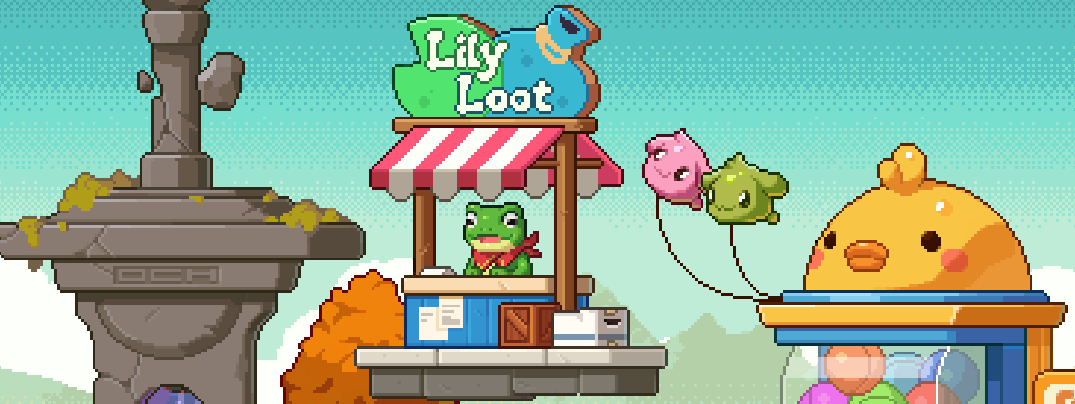
The Marketplace is currently in early development. Select Lily Loot in the Onchain Heroes lobby to access it.
{% hint style="info" %}
For now, the Marketplace is only available within the Onchain Heroes lobby. In the future, it will be accessible directly from within all OCH games, no tab switching or leaving your game required.
{% endhint %}
***
### Buying Items
{% stepper %}
{% step %}
### Find and Select Listing
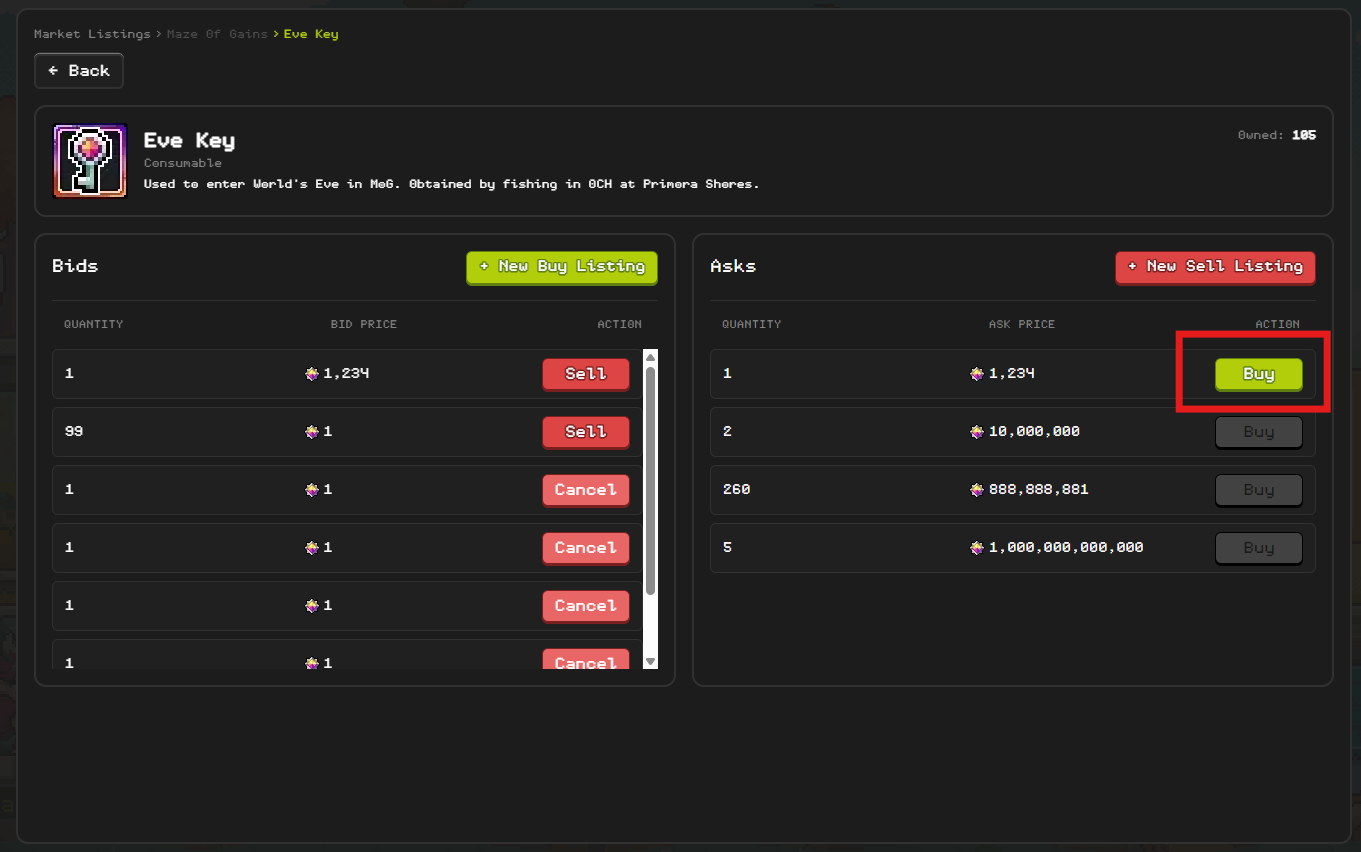
Use filters or search to find what you're looking for.
{% endstep %}
{% step %}
### Swap Valor if needed
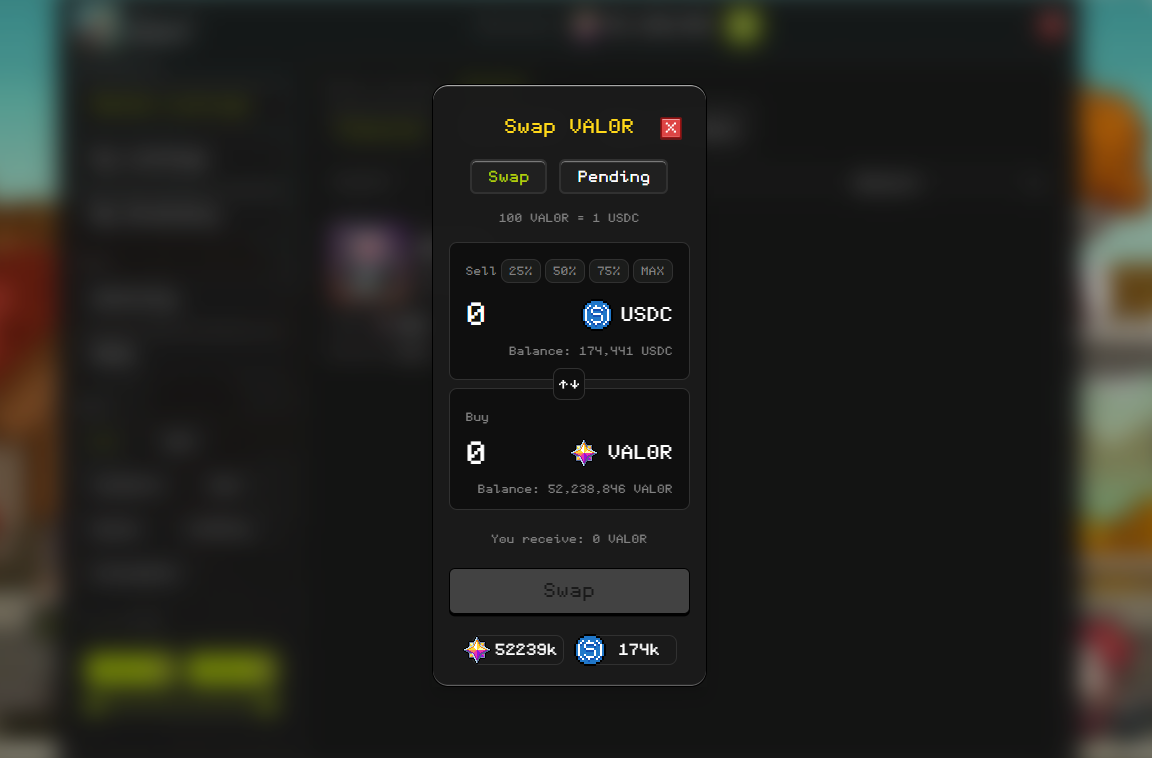
The Marketplace runs on VALOR, an in-game currency pegged to USDC. If you don't have any, you can swap USDC for Valor directly from the Marketplace. You only pay the listed price — no buyer fees.
{% endstep %}
{% step %}
### Purchase
Items you buy are added to your inventory instantly. If your bid is higher than the current lowest ask, you'll automatically pay the lower price — the difference is refunded to you.
{% endstep %}
{% endstepper %}
### Selling Items
{% stepper %}
{% step %}
### Create a listing
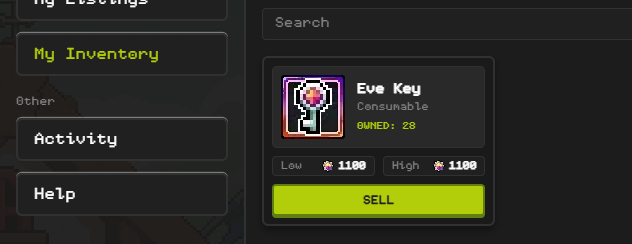
Go to **My Inventory** in the Marketplace and select an item to create a listing for.
> You can also create a sell listing from the item's market listing page
{% endstep %}
{% step %}
### Set your price
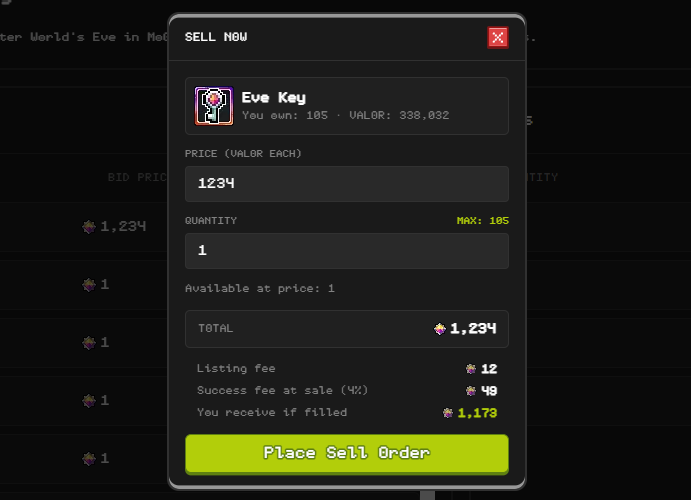
Choose your price in VALOR and set the quantity you want to sell. \
\
A 1% listing fee is charged when creating a listing.\
\
A 4% marketplace fee is deducted from the sale price at the time of a succesful sale — the buyer always pays exactly what's listed.
{% endstep %}
{% step %}
### Go live
Your listing is published immediately and visible to all players browsing the Marketplace.
Active listings can be edited or cancelled from My Listings at any time. Cancelling a listing returns any unsold items and reserved VALOR fees to your account immediately. When your item sells, VALOR is credited to your account automatically.
> Note: you can't purchase your own listings. If you have an active buy and sell order for the same item, they'll skip past each other automatically.
> {% endstep %}
> {% endstepper %}